M365 Mailbox Intrusion — Incident Response (Case Lab 2/3)
Case Context
Microsoft 365 generated a forwarding or redirect rule alert for a named mailbox. Start from that mailbox, reconstruct valid-account access, and scope mailbox rule persistence without overclaiming message delivery.
Incident Response path for the same Microsoft 365 mailbox intrusion, Lab 2 of 3. Lab 1 was the Threat Hunt angle against a separate instance of the same tenant; this lab works the incident-response side of the same alert — scoping access, containment and eradication decisions rather than open-ended hunting.
Threat Hunting Labs has a strict no-public-writeup policy on active labs to protect scoring and leaderboards for other users, so this page is intentionally an overview: what I did and what I found, not the queries or the specific answers that got me there.
Techniques Encountered
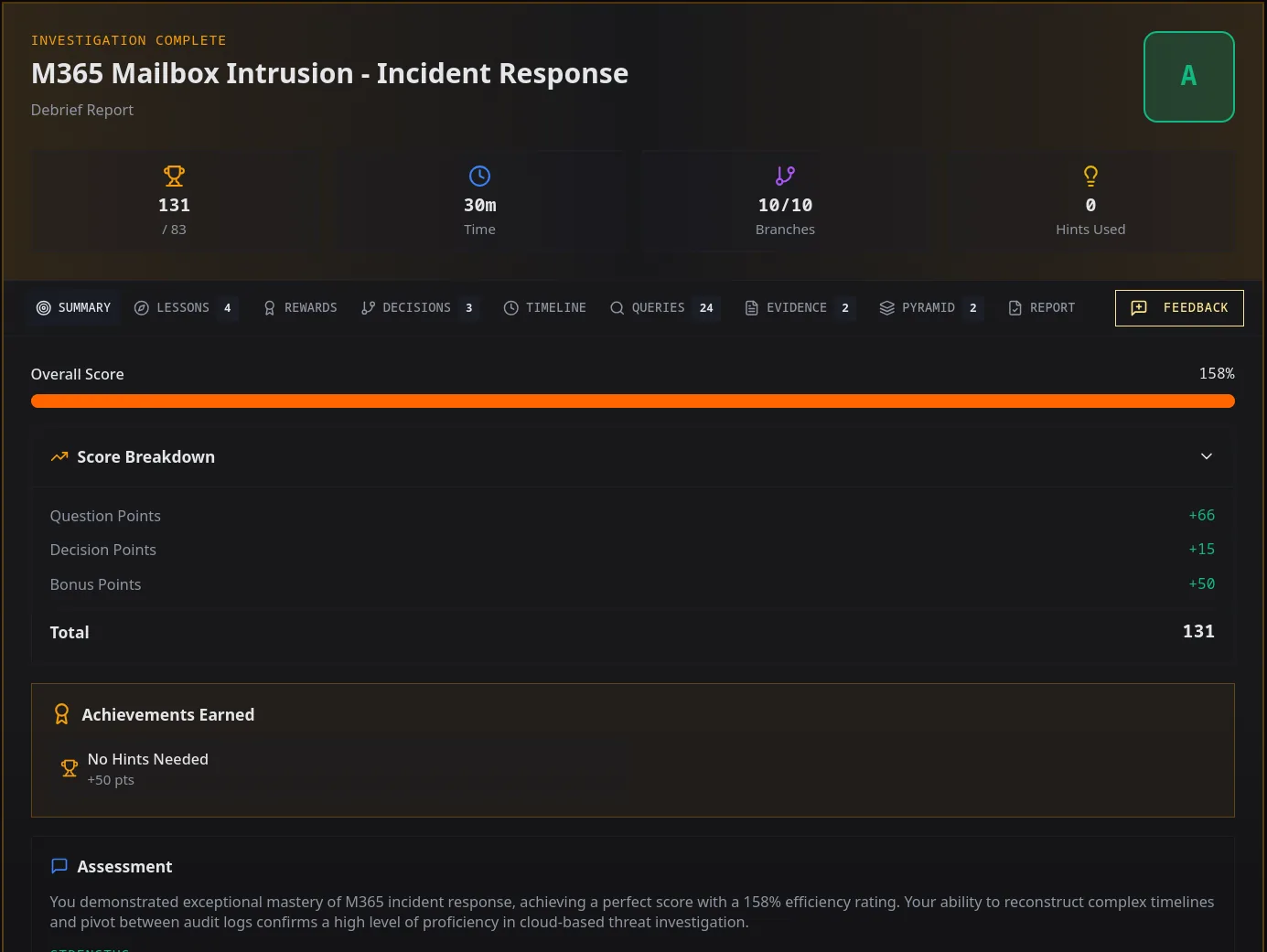
Ten branch points across Entra sign-in telemetry, Microsoft Graph activity, Exchange mailbox audit and message trace, extended into containment and eradication decision points not present in the Threat Hunt angle — assessing evidence boundaries and sequencing the right first containment action rather than just finding artifacts. Cleared every branch with a perfect score and no hints used.
Prioritising Findings — Pyramid of Pain
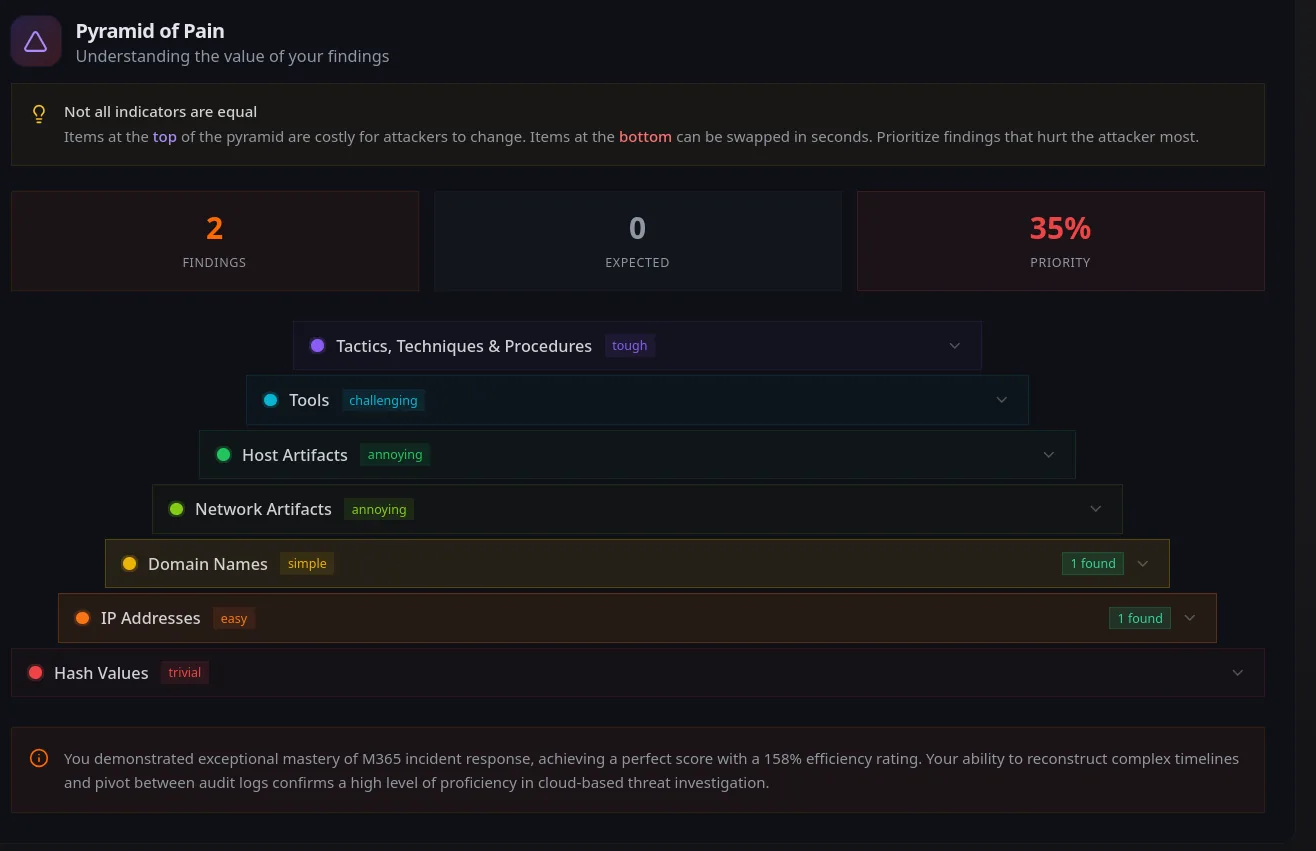
Findings again sat at the bottom of the pyramid — IP addresses and a domain — consistent with the Threat Hunt angle against the same tenant: no malware, no custom tooling, an intrusion built entirely out of legitimate Microsoft 365 session and API behaviour.
What I Practiced
- Reading conflicting audit fields against each other rather than trusting either alone — this tenant’s own telemetry disagreed with itself on what counted as a “completed” login, and only one of the two fields was authoritative.
- Scoping an MFA-coverage question correctly by including all sign-in outcomes, not just successes — a success-only filter here silently discarded the one set of records that actually named an authentication method.
- Recognising when a rule lacks concealment features and adjusting triage accordingly — the absence of hiding behaviour doesn’t make a rule benign, it changes which combination of signals should drive the alert.
- Diffing a full rule set against a known-good baseline for eradication scope, rather than removing only what was created during the incident window — persistence here wasn’t limited to what looked newest.
- Separating what telemetry proves from what an incident brief implies, and writing containment guidance that stays inside the evidence boundary rather than the more satisfying but unsupported story.
Credential
Earned the completion certificate for this 3-lab case (Threat Hunt, Incident Response, Detection Engineering).
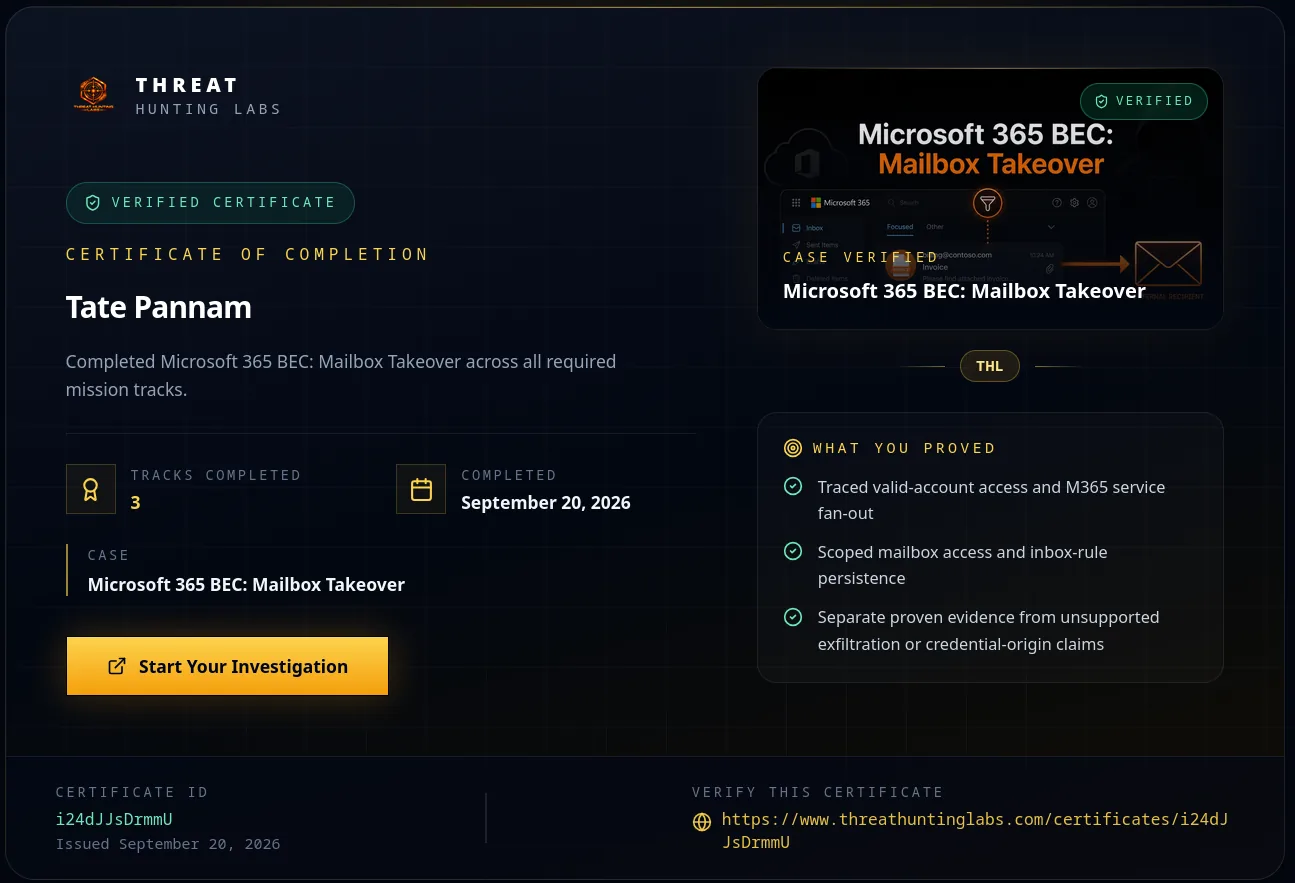
Verify: https://www.threathuntinglabs.com/certificates/i24dJJsDrmmU